

Back to journal
September 18, 2026 · By Diara
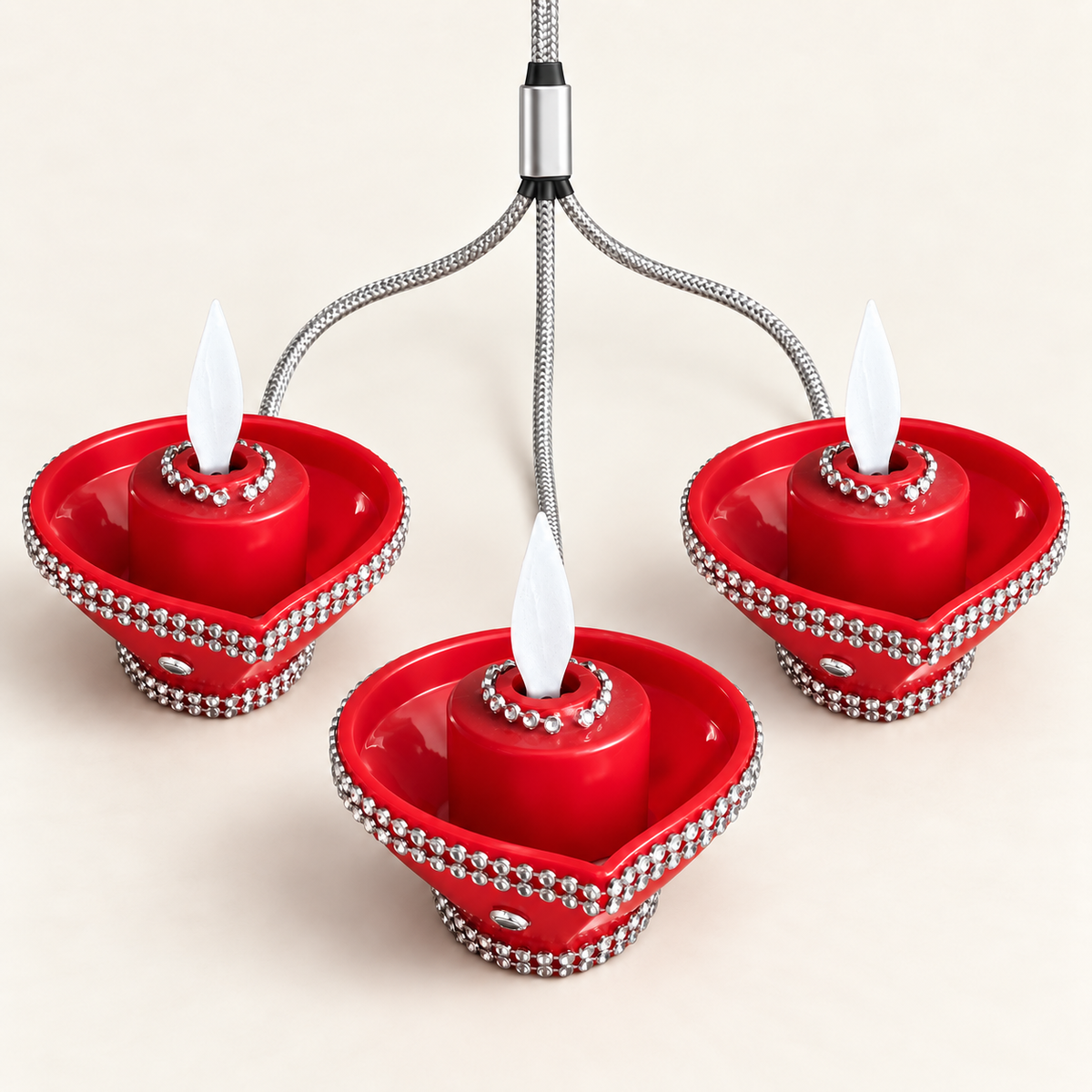
Charge. Tap. Glow. Setting up your Diara
Setting up a Diara takes less time than finding the matches.
- Charge with the included cable. The multi-diya cable has one USB-C input and three USB-C heads, so three diyas charge from a single port. A USB-C to USB-A adapter is included; a wall adapter is not.
- Wait about 45 to 50 minutes. That is a full charge for the set.
- Disconnect before use. Unplug the cable and place your diyas where you want them.
- Tap the touch control to switch on. Tap again to switch off. No buttons, no settings.
Caring for your Diara
Wipe the bowl with a soft, dry cloth. Keep the diyas away from water and store them in the reusable box between celebrations so they are ready for next year.